Английский Технологии
09.09.2026 Читать источник
Пользователь обходится блокировки Bambu Lab через Orca Slicer и Home Assistant
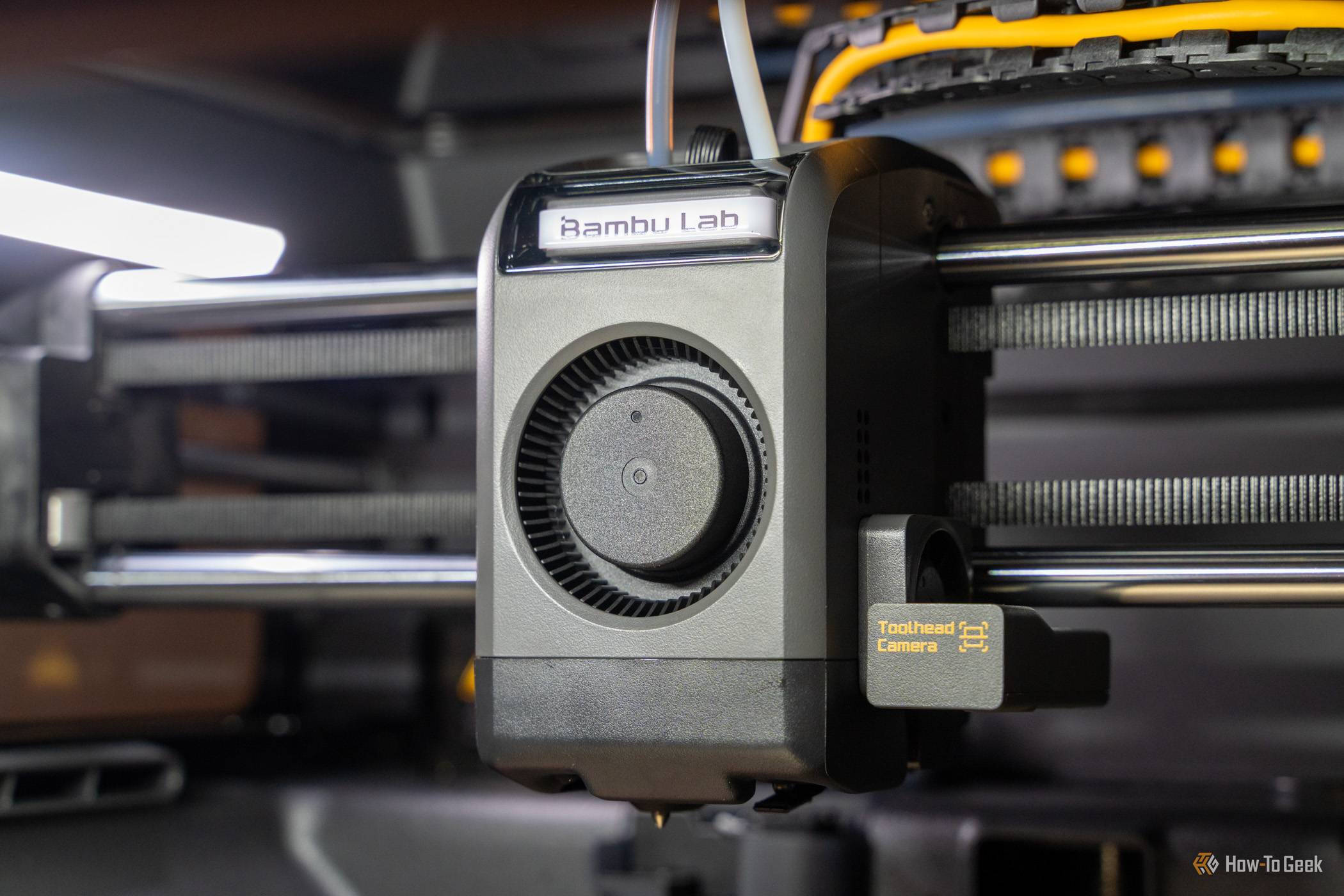
Владелец принтеров Bambu Lab продемонстрировал, как настроить удаленный мониторинг и уведомления, используя сторонние инструменты вместо официальных. Для этого он активировал режим локальной сети и подключил Bambuddy к Home Assistant для управления печатью и интеграции со смарт-домом.
Перевод ИИ
Текст статьи доступен на языке оригинала.
Нажмите кнопку «Перевести статью» выше, чтобы сгенерировать перевод с помощью ИИ.
Оригинальный контент
How I escaped Bambu Lab's software lock-in without losing remote monitoring or printer notifications
I love my Bambu Lab printers, but I got tired of the software lock-in and decided to see how well I could recreate it with community tools. I was actually able to get remote monitoring and notifications working fairly well without a ton of work, and here's how I did it.
Bambu Lab's lock-in can be frustrating
I just want to use my own slicer!
You used to be able to use a Bambu Lab printer with third-party software no problem. Orca Slicer? Sure. Home Assistant? You bet.
These days, Bambu Lab printers are quite locked down out of the box. You can actually only use Bambu Lab's official software and app natively, though some monitoring tools can work somewhat while keeping access to Bambu Lab's cloud.
Going LAN-only and developer mode allowed me to use all of my own software
But I lost access to the most important things — notifications and remote monitoring
While Bambu Lab locks down its 3D printers out of the box, you can actually get around that and still use your own software through a few taps on the screen. It starts with enabling LAN-only mode.
LAN-only mode disables the connection to Bambu Lab's cloud and allows you to connect to the printer on your LAN, or local area network. This means the Bambu Printer isn't talking to Bambu's cloud anymore, but it allowed me to start using my P2S with Orca Slicer again, which was my entire goal.
However, there's another toggle that was actually more important: developer mode. This is only available after you've enabled LAN-only mode, and is required to get the full functionality out of tools like Orca Slicer, Bambuddy, or Home Assistant.
Bambu makes enabling developer mode sound scary, but it's fine. The only thing to keep in mind is that with developer mode enabled, any tool you link up to your printer with the access code has full access to your printer, so ensure you know what the tool is going to do before pairing.
The only downside to enabling LAN-only mode and developer mode is that I lost remote access to my printer. I never used remote access to start a print, so that part didn't bother me, but I did miss being able to check the camera when I wasn't home or the notifications I would get when there was an error or when a print finished.
Bambuddy and Home Assistant delivered everything I was missing and more
It wasn't even that hard to set up
So, I made my Bambu printer work with Orca, but I lost some core functionality — how did I replace it? It's simple: self-hosting.
I'm a huge proponent of self-hosting and think every tinkerer should play with it at least once. Bambuddy is where I started my journey for restoring remote monitoring and notifications to my Bambu printers.
Bambuddy is simple to set up and can run in Docker or natively on your system. I used Docker, and it worked flawlessly for me. I put Bambuddy behind a reverse proxy so I could access it outside my network, and it instantly allowed me to remotely monitor prints.
However, Bambuddy is so much more than a remote monitoring tool. Bambuddy was designed for farm management, meaning it can actually start or pause prints, load filament into the AMS, and so much more. After using Bambuddy myself, I told my best friend who runs an 80+ printer farm about it, and he immediately fell in love with it.
Bambuddy also has notifications built-in. The notification system is actually way more versatile than Bambu's native notifications. You can customize which notifications are triggered and where they get sent.
For example, you could have all sorts of notifications get sent to a Discord channel. Things like print started, percentage completed, print finished, and other information could go there. However, you could also set up important notifications, like filament clogs, errors, or other print-stopping things, to be sent over Telegram to your phone directly.
There are a number of notification configurations to choose from here. My favorite pairing, though, is connecting Bambuddy to Home Assistant.
While Home Assistant does have a Bambu plugin through HACS, I used Bambuddy to send the notifications to Home Assistant. This meant I could customize how my smart home reacted to my 3D printer's statuses.
I could make a light turn red for a failed or stalled print, green for success, blinking for out of filament, and the list goes on. Of course, I actually also had my printers set up to be monitored natively within Home Assistant as well as Bambuddy just to give me some redundancy.
Sometimes third-party tools are the best option—other times native is simply better
I ran the above setup for quite a while flawlessly. I loved being able to monitor my printers within Home Assistant, and I loved the capabilities Bambuddy and Orca Slicer gave me.
However, after a while, I ended up just going back to Bambu Studio and native remote monitoring through the app. I didn't revert because the self-hosting stack was lacking in any way; I just simply wasn't utilizing the features that the third-party tools gave me anymore.
I know there are some in the community who want to get rid of all Bambu software out of principle, and I understand that. I just don't care that much in that one specific area, so I'm fine using official tools.
I do love that I know how to ditch Bambu Lab software, though should I ever have a need to. Sometimes the knowledge of how is the best knowledge you can have.
Аналитика ИИ и парсинга
Технические детали обнаружения, сопоставления и связывания статьи
Поисковый запрос
«Bambu Lab Orca Slicer Home Assistant обход блокировки»
Запрос, сгенерированный ИИ для поиска статьи в веб-источниках
Связанные результаты поиска
Результаты поиска отсутствуют в БД
Парсер не сохранил результаты веб-поиска для этой статьи.